DocVerify Pro › Document too large to upload · Español
Your document is too large to upload. Here is how to fix it properly.
Why correcting the lighting shrinks the file. Compression spends bits describing variation. A shadow gradient across a page is variation, so a large share of your file is describing the shadow rather than the text. Flatten the lighting and that share disappears — you get a smaller file and better text, which is the opposite of the usual trade-off.
Almost everyone reaches for the quality slider first. That is the one control that destroys text. Resolution, colour mode and correcting the lighting all reduce the file more, and cost you far less.
Do these in order
| # | Change | Typical reduction | Cost to legibility |
|---|---|---|---|
| 1 | Correct lighting and angle first | 30–60% | None — it improves |
| 2 | Bitonal instead of colour (text documents) | Up to 90% | None for printed text |
| 3 | Reduce to 300 DPI | 50–75% from a phone photo | None for a reviewer |
| 4 | Crop away the desk and margins | 10–30% | None |
| 5 | Lower the JPEG quality | Varies | High — do this last |
Common limits
| Destination | Limit | Formats |
|---|---|---|
| USCIS online filing | 12 MB per file | PDF, JPG, JPEG |
| IRS Document Upload Tool | 15 MB per file | JPEG, PNG, PDF |
| DS-160 visa photo | 240 KB | JPEG only |
| Passport photo (online renewal) | 54 KB – 10 MB | JPG, JPEG, HEIF |
These four were checked against official sources in August 2026. Every other portal sets its own number — university applications are often 1–2 MB, banks around 5 MB — so take the figure from the page you are uploading to.
Bitonal, grayscale or colour?
- Bitonal (pure black and white) — printed text documents: tax forms, contracts, transcripts, statements. Dramatic size reduction, no loss for printed type.
- Grayscale — documents with an embossed seal, a signature, or a faint stamp that a hard threshold would erase. Certificates especially.
- Colour — anything with a photograph or a security feature: IDs, passports, visas. Banks and KYC reviewers generally want to see the original colours.
Do not send a bitonal scan of an ID card. Converting a photograph to pure black and white turns a face into unreadable blobs. For anything with a portrait or a hologram, keep colour and reduce the size by lowering the resolution instead.
Hit an exact file size limit, whatever the number
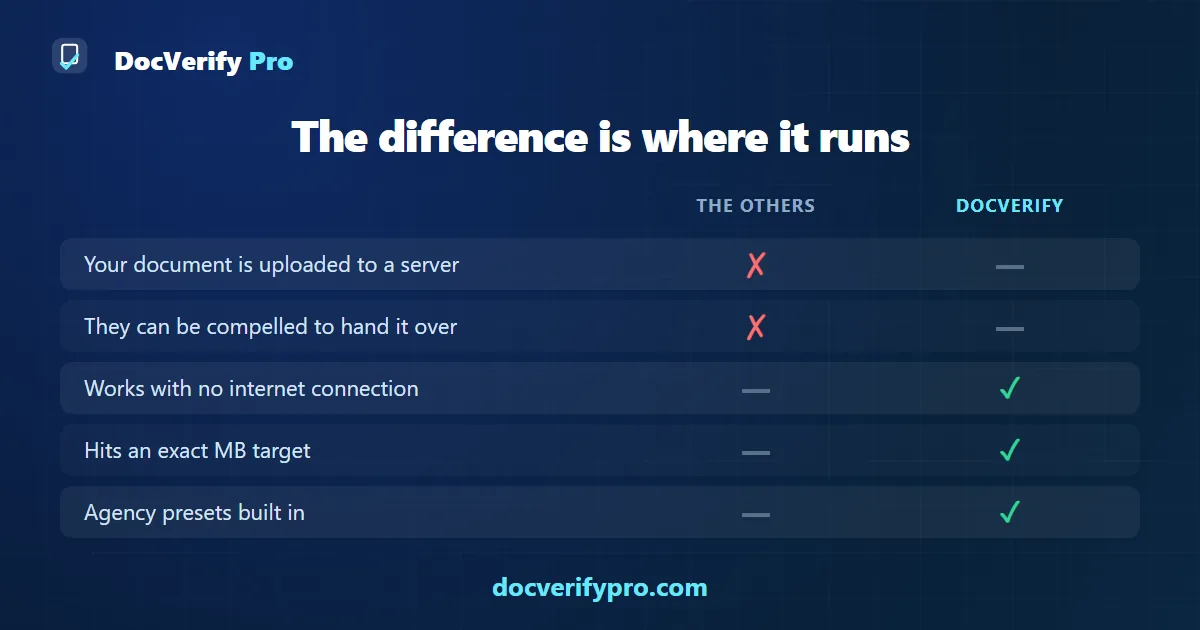
Runs in your browser. Your document is never uploaded. First one is free.
Open DocVerify Pro